
SF4 has two super cool widgets which I love to use
- CSS Widget
- Javascript widget
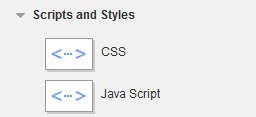
Now here's why they are special...since they're page widgets and not physical files, they're subject to VERSIONING! The only problem is they are honking big and chunky. There's no data rendered to the page when they're drag\dropped or edited.
So here's what you do to allow users to place them without gimping up the WYSIWYG design:
- Edit your masterpage to place a content block below your footer
The result of this is that the user sees the design, but hanging out below the footer is a content block that's dedicated to items which don't factor into the design at all.
It's a very elegant way to handle custom styling which you can rollback when your editors inevitably screw something up :)
So here's what the result looks like...clean, elegant and out of the way.
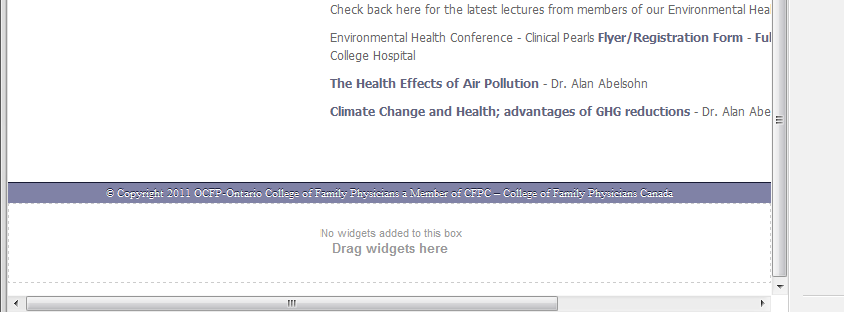
What you can even do is wrap it in a div and style the resulting image to specify that only styles and scripts can go in there, perhaps even go the extra mile and make sure that wrapper has a display:none defined on it so they can't even physically put content into it. Now I should mention that the display:none should only be active in LIVE mode :) You can know you're on design mode by checking if the body tag has the class '.sfPageEditor'
Happy Sitefinitizing!
Update
This is the WebForms-era version of an idea I have kept refining ever since: scripts do not belong scattered through your design, they belong in a dedicated slot you own and control. In the MVC and Feather templates that came later, this grew into named, ordered script sections declared in the layout, one per concern, loaded in the order you decide rather than the order a widget happened to land on the page. Sitefinity ships their templates with that ordered sectioning now. This post is stamped 2012. I have been making the argument for a long time.